

วิธีสร้างรูปคู่กับศิลปินคนโปรด ด้วย Gemini
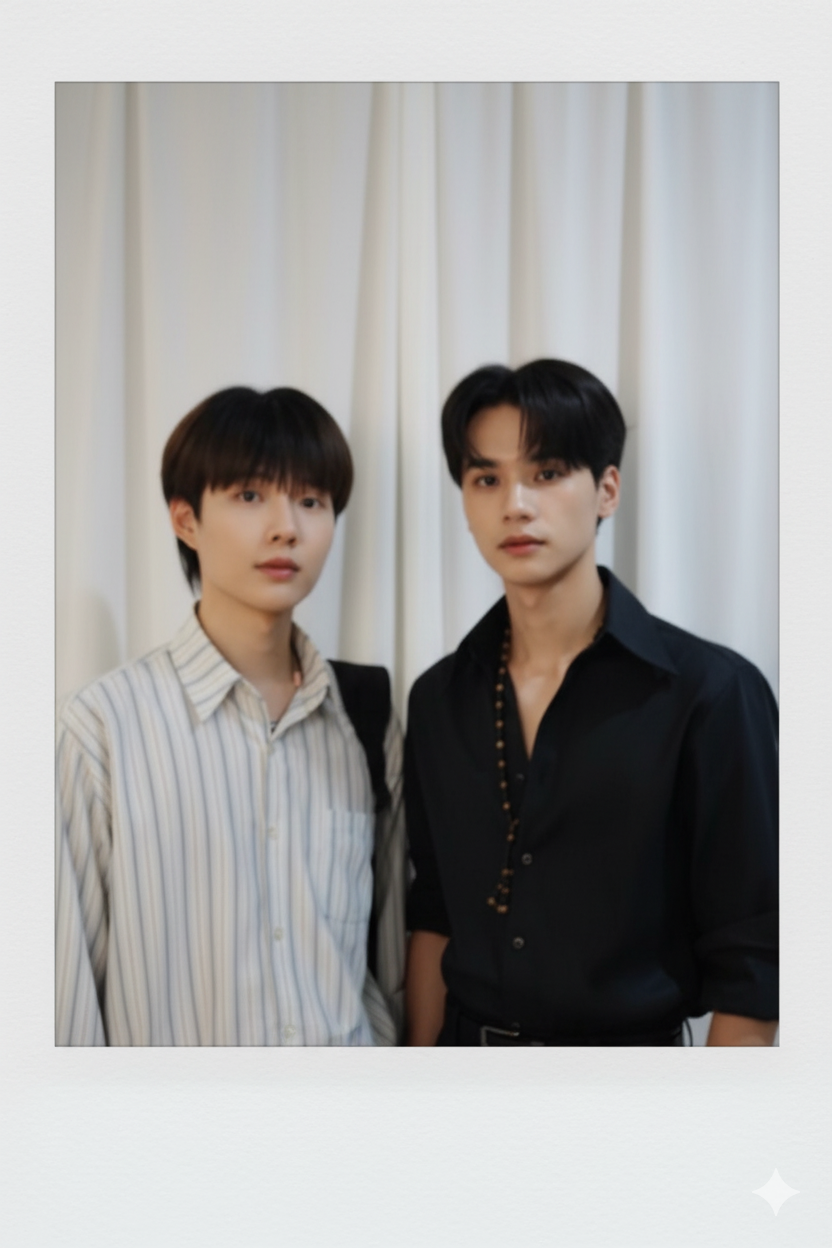
ในช่วงวันหยุดที่ผ่านมา หลายคนคงจะเห็นภาพโพลารอยด์ของคนใกล้ตัว ที่ถ่ายคู่กับศิลปินคนโปรดกันอย่างแพร่หลายในโซเชียลมีเดีย ซึ่งภาพเหล่านั้นถูกสร้างขึ้นมาโดย AI ชื่อว่า Gemini แต่กลับดูเหมือนจริง ทำให้หลายคนทึ่งในความสามารถของ AI ในปัจจุบัน
อย่างไรก็ตาม เชื่อว่ายังมีอีกหลายคนที่ยังสงสัยว่ามีวิธีการทำอย่างไร จะต้องใช้ Prompt อะไร ในบทความนี้จึงจะพามาดูวิธีการสร้างรูปคู่กับศิลปินคนโปรด ด้วย Gemini อ่านจบแล้วรับรองว่าทำตามได้แน่นอน
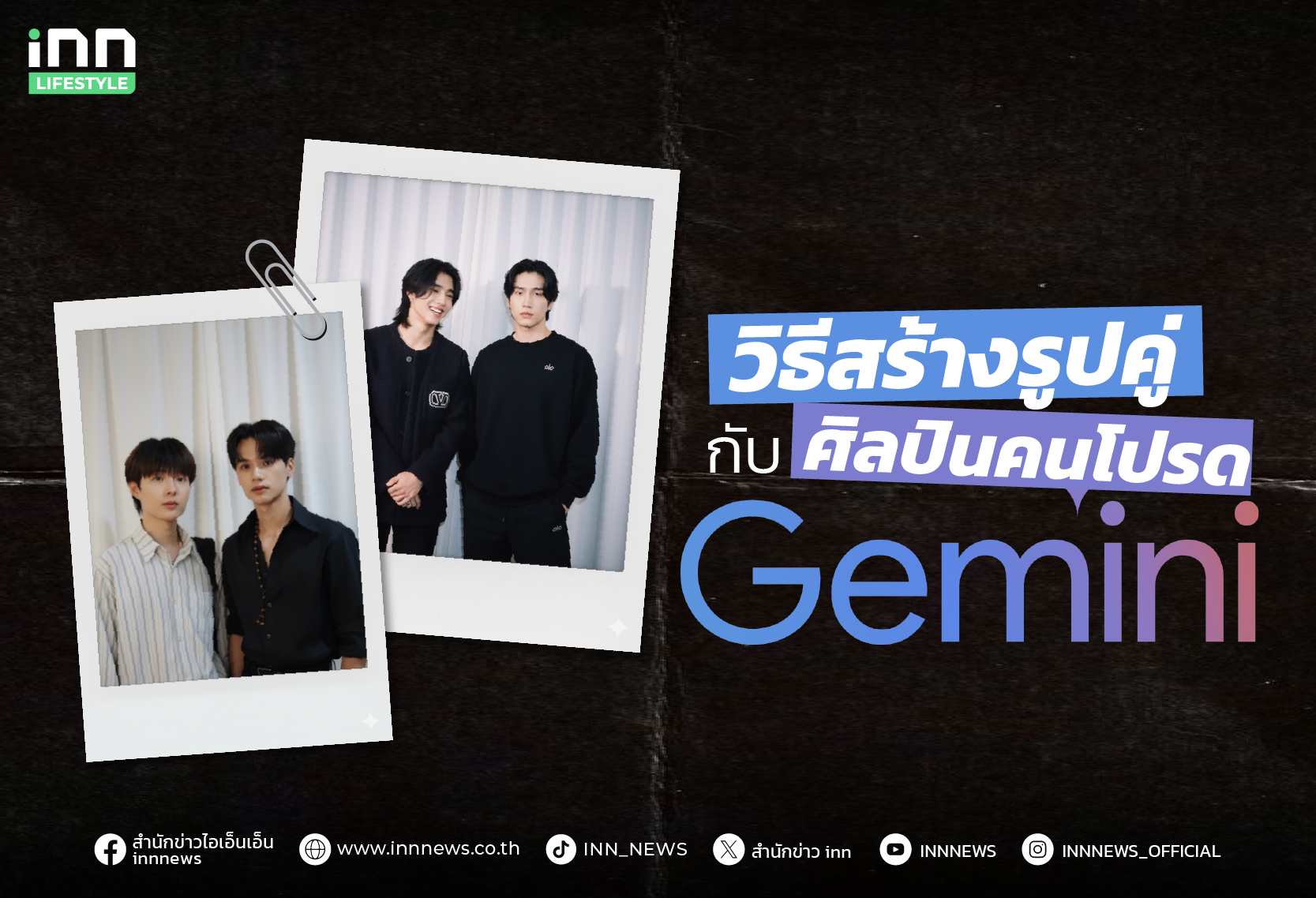
ขั้นตอนการใช้ Gemini สร้างรูปคู่ศิลปิน
สำหรับการใช้ Gemini ในการสร้างรูปคู่กับศิลปินคนโปรด สามารถทำได้ง่าย ๆ ในไม่กี่ขั้นตอน ดังนี้
1.เข้าเว็บไซต์ gemini.google.com ในคอมพิวเตอร์
2.เมื่อเข้าสู่เว็บไซต์เรียบร้อยแล้ว ให้เปิดโหมดสร้างภาพ โดยคลิกที่คำว่า Image ในกรอบด้านล่าง
3.อัพโหลดรูปภาพของคุณ และศิลปินคนโปรด โดยแนะนำให้ใช้รูปที่เห็นหน้าชัด ๆ
4.หลังจากอัพโหลดรูปภาพเรียบร้อยแล้ว ให้ใส่ Prompt คำสั่ง โดยตัว Promt จะมีหลากหลาย สามารถเลือกใช้ได้ตามความต้องการ ดังนี้
- Make a picture of these two people that looks if it was taken vith polaroid camera. No subject or tool is too obvious. It should look like a random shot that happened to be caught. The picture should appear like a snapshot without special attention. Include a little shake (motion blur), and the light from the camera flash in a dark place that spreads evenly throughout the bhoto. Do not change the face. Change the background behind two people into a white curtain. (Fillin any pose ou want)
- Buatlah gambar yang diambil dengan kamera Polaroid. Foto tersebut harus terlihat seperti foto biasa, tanpa subjek atau properti yang jelas. Foto tersebut harus memiliki sedikit efek blur dan sumber cahaya yang konsisten, seperti lampu kilat dari ruangan gelap, yang tersebar di seluruh foto. Jangan ubah wajah. Ganti latar belakang di belakang kedua orang tersebut dengan tirai putih. Dengan cowo itu berdiri sambil merangkul bahu saya.
- Take a photo taken with a Polaroid camera. The photo should look like an ordinary photograph, without an explicit subject or property. The photo should have a slight blur and a consistent light source, like a flash from a dark room, scattered throughout the photo. Don’t change the face. Change the background behind those two people with white curtains. With that boy hugging me.
- A Polaroid-style photo with two people standing close together. The picture should look like an ordinary snapshot, without a clear subject, and slightly blurred. Lighting should resemble a flash coming from a dark room, spreading evenly across the photo. Keep the faces unchanged. Replace the background behind them with a simple white curtain.
- รอประมาณ 2-3 นาที ก็จะได้รูปโพลารอยด์น่ารัก ๆ ถ่ายคู่กับศิลปินคนโปรด ช่วยเติมพลังใจ ทำให้ใจฟูได้เป็นอย่างดี
สำหรับใครที่อยากได้รูปคู่กับศิลปินคนโปรด ก็สามารถลองใช้ Gemini ทำตามง่าย ๆ ในไม่กี่ขั้นตอนได้เลย นอกจากนี้ ยังสามารถนำไปปรับใช้ในการสร้างรูปคู่คนในครอบครัว หรือสัตว์เลี้ยงที่จากไป เพื่อเก็บไว้เป็นความทรงจำที่ดีก็ได้เช่นเดียวกัน
ติดตามเนื้อหาดีๆแบบนี้ได้ที่
Facebook : https://www.facebook.com/innnews.co.th
Twitter : https://twitter.com/innnews
Youtube : https://www.youtube.com/c/INNNEWS_INN
TikTok : https://www.tiktok.com/@inn_news
LINE Official Account : @innnews